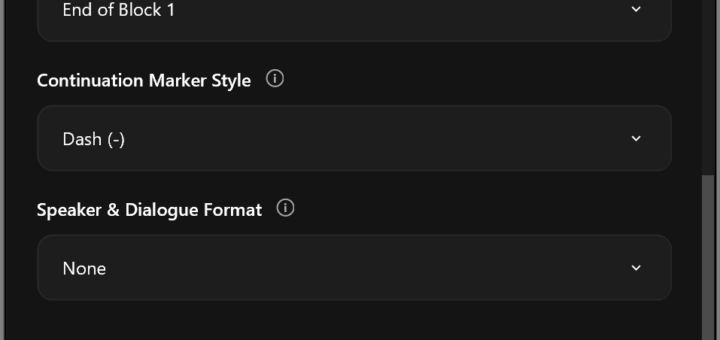
Inwista for Premiere: Professional Subtitles While You Finish Your Edit
The Inwista panel sends your Premiere sequence off for transcription and brings back subtitles formatted the way a professional subtitler would do it.

Understanding the technology
The Inwista panel sends your Premiere sequence off for transcription and brings back subtitles formatted the way a professional subtitler would do it.

The Maximum Bit Depth and Maximum Render Quality choices are found in Sequence Settings and Export Settings. There is no thorough explanation of what they actually do, when they kick in, and how they...

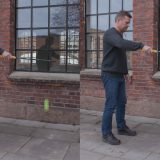
A few weeks ago I wrote an article for Wipster.io titled Debunking the 180-degree shutter rule where I boldly stated that the 180-degree shutter rule is a myth! As expected, it caused some noise in Facebook...

Watch this video to learn why the free Impact Dissolve from FilmImpact should be your default dissolve in Premiere from now on. This is how Adobe should have made their dissolve in the first...

I’ve kind of gotten tired of explaining to everyone that complains about Premiere Pro not having Motion Blur that Premiere actually does have native Motion Blur. You just need to make two settings in the Transform effect, and you...

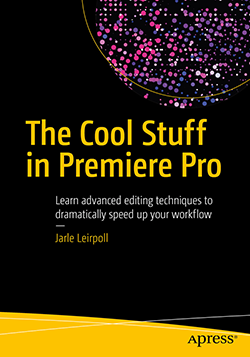
The Cool Stuff in Premiere Pro is now available as downloadable e-book (watermarked PDF). It covers advanced editing techniques in Premiere Pro, and goes into much greater detail than any existing book on Premiere. This...