Speed up your color grading and finishing!
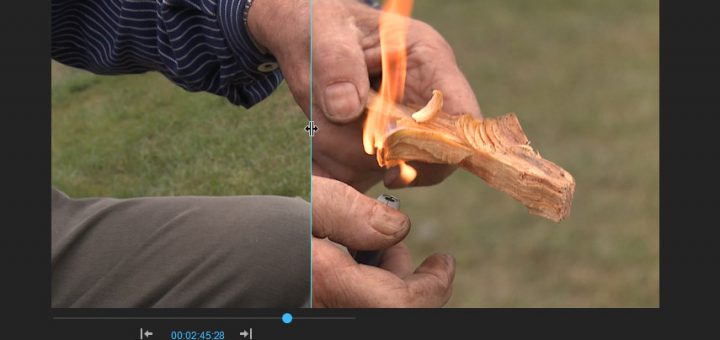
This video tutorial teaches how to do primary, secondary and some pretty advanced color correction in Adobe Premiere Pro CS5.5. You’ll learn how to create masks for color correction inside of Premiere Pro, and to tweak parts of the image without affecting others. You’ll learn how to use Jarle’s Grading Tools (a collection of useful presets) to speed up your own color grading workflow.
Also covered are some common finishing techniques like how to fix moiré, blown-out highlights, blue sky fix, sharpening, letterboxing, noise reduction, stabilizing and scaling/crop.